
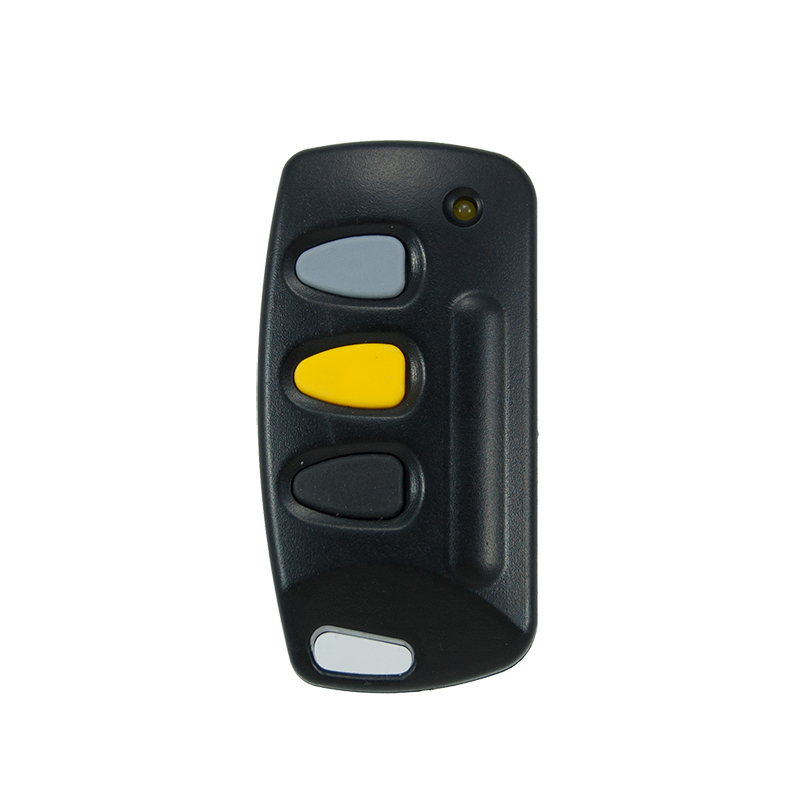
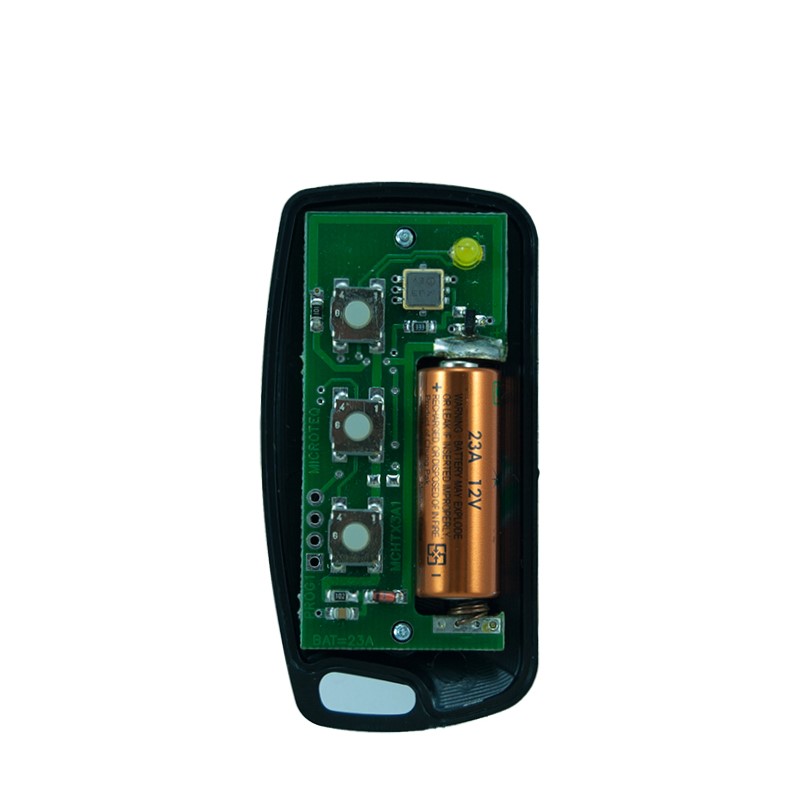
Description
🔑 Remote Models and Specifications
The most common remotes are the 1-button and 3-button transmitters. Here is a comparison of their key features:
| Feature | Gemini 1-Button Remote | Gemini 3-Button Remote |
|---|---|---|
| Primary Use | Operating a single gate or door | Controlling multiple doors or functions |
| Technology | Code Hopping | Code Hopping |
| Frequency | 433MHz | 433MHz |
| Battery | GP23 12V Alkaline Battery | GP23 12V Battery |
| Indicator | Yellow LED | Yellow LED |
| Typical Range | Up to 70 meters | Up to 70 meters |
These remotes are compatible with a range of Gemini motors and receivers, including:
-
Gate Motors: Gemini DC Slider (7Ah and 12Ah models) and Gemini 24V DC Swing motors.
-
Garage Door Openers: Gemini Overhead and Roll-up Garage Door Openers.
-
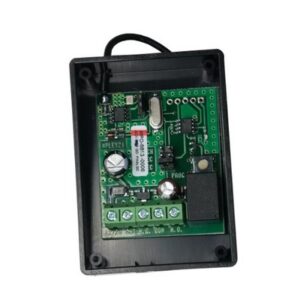
Receivers: They can be paired with add-on receivers like the Gemini Single Channel Code Hopping Receiver 433MHz, which can store up to 30 remote buttons.
🛡️ Understanding Code Hopping Technology
“Code hopping” (or rolling code) technology is a security feature where the remote transmits a new, unique code every time the button is pressed. This prevents malicious actors from recording and replaying the signal to open your gate, offering a much higher level of security than older, fixed-code remotes.
🔄 How to Program Your Gemini Remote
The process, often called “learning,” syncs your new remote with the gate motor’s receiver.
-
Access the Motor Board: Remove the beige cover of your Gemini sliding gate motor to reveal the main circuit board.
-
Locate the Learn Button: Find the small button labeled “Learn” on the circuit board.
-
Initiate Learning Mode: Press the “Learn” button once briefly. A nearby LED light will flash once to confirm. It is very important not to hold the button down at this stage, as that will erase all previously programmed remotes.
-
Sync the Remote: Within a few seconds, press and hold the button you wish to use on your new remote. The gate should operate, confirming a successful sync.
-
Repeat for More Remotes: You can repeat steps 3 and 4 to add up to 15 remotes to a single gate motor.
If you need to delete all remotes, you can hold down the “Learn” button for more than 8 seconds.
Follow us on Facebook

Reviews
There are no reviews yet.